File Location Sink
The File Location Sink is MAP Client plugin for saving a file to a location outside the workflow.
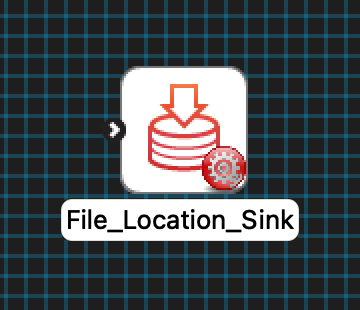
Fig. 91 An un-configured File Location Sink step icon.
Configure
This step is used for saving a file or multiple files to the local disk outside the workflow directory. This step uses a http://physiomeproject.org/workflow/1.0/rdf-schema#file_location or http://physiomeproject.org/workflow/1.0/rdf-schema#uses-list-of to define the location where the file is saved. To set the location to save the file to use the … button to open a file chooser dialog. The Output directory input is used to hold the relative path from the workflow to the output file(s) location. The optional Prefix input is added to the front of the file name.

Fig. 92 File Location Sink step configuration dialog.
If multiple files with the same name are to be saved at the location, the files will get overwritten.
Ports
This plugin:
uses:
http://physiomeproject.org/workflow/1.0/rdf-schema#file_location
http://physiomeproject.org/workflow/1.0/rdf-schema#uses-list-of